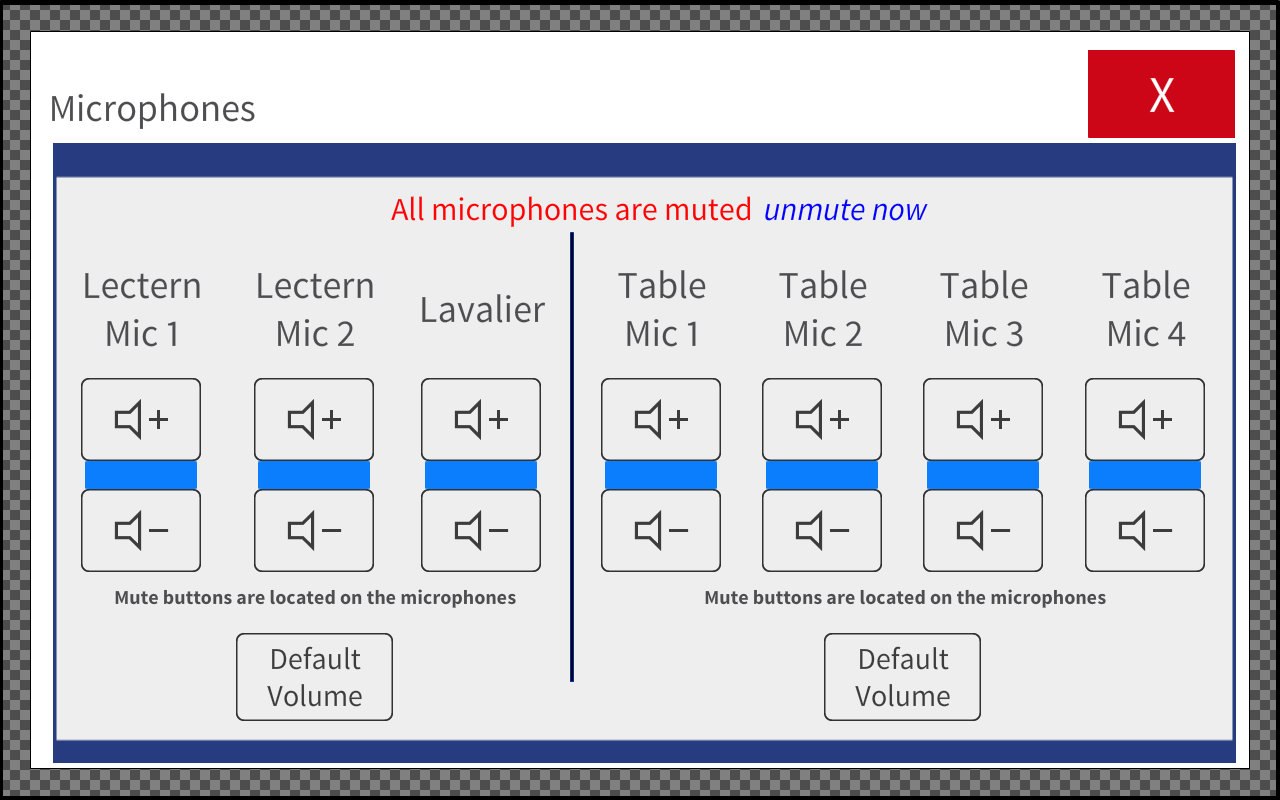
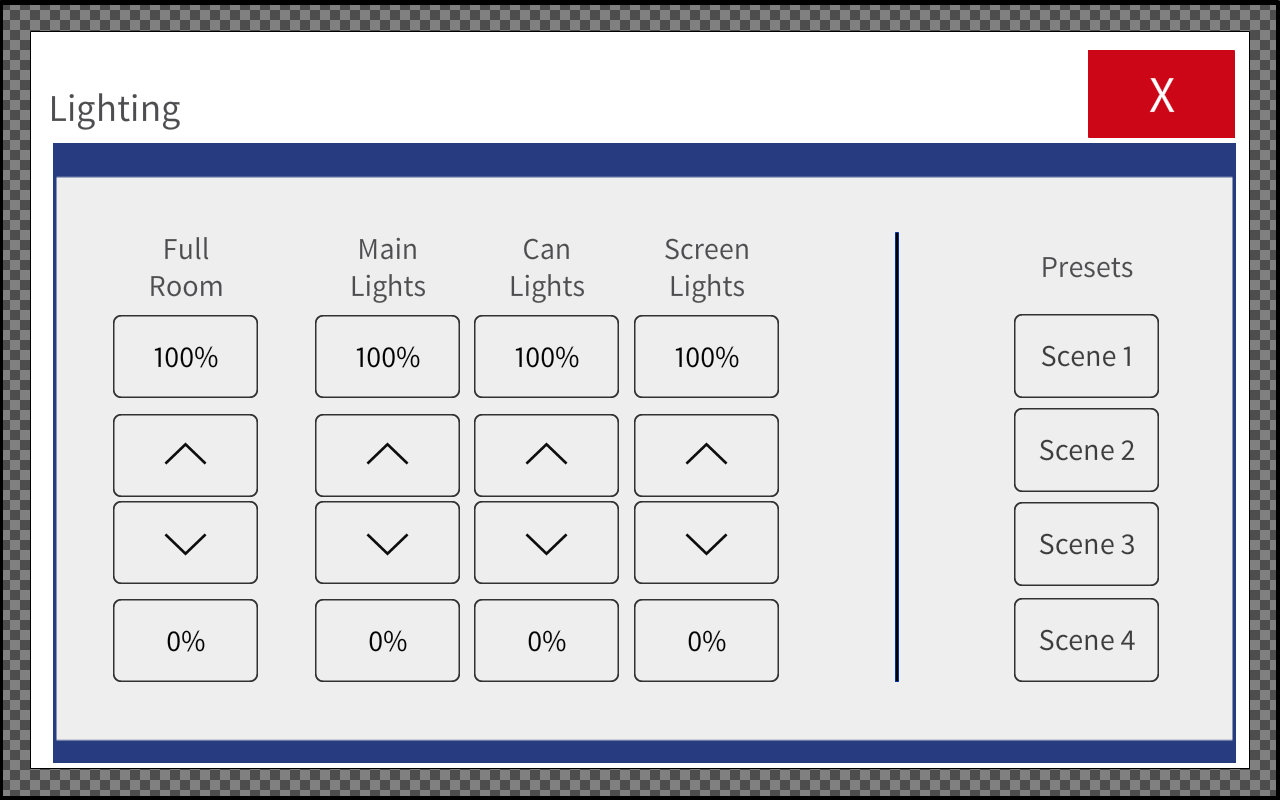
The majority of the equipment in the training rooms is the same as the standard conference room. Please consult the Standard Conference Room Information and the Standard Conference Room Help pages for help with features not listed on this page. Conference rooms with training style seating may also have additional menus on the Crestron control panel. These menus will allow control of lights, microphones and in-room recording devices.
Lighting Control
The lighing controls can be access by pressing the light bulb icon on the black border of the Crestron control panel.
Microphone Control
The microphone controls can be access by pressing the "Microphones" button on the right border of the control screen. There is a "Mute All Mics" button on the main screen. The levels have been set and shouldn't need to be changed.